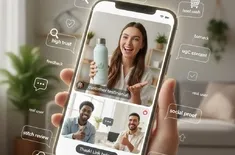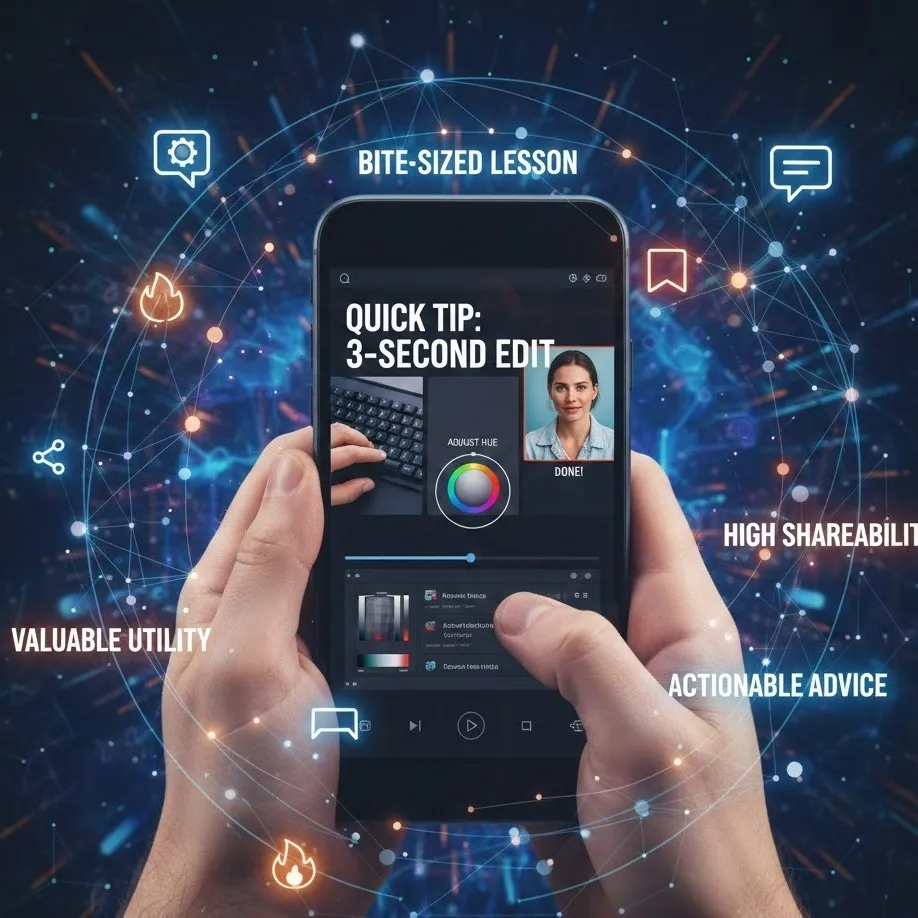
Learn how to deliver actionable advice with high shareability.
Mastering the 7-15 Second Micro-Tutorial: The New Standard for Viral Education
In the current digital landscape, attention is the most valuable currency. As scrolling speeds increase, the traditional long-form tutorial is being disrupted by a faster, leaner, and more effective format: the micro-tutorial.
A micro-tutorial is a high-impact, short-form video—typically lasting between 7 and 15 seconds—designed to deliver a single bite-sized lesson with zero fluff. By combining rapid-fire editing with high-density information, these videos achieve high shareability and provide immediate valuable utility to the viewer.
The Anatomy of a Perfect Micro-Tutorial
To deliver a quick tip that actually sticks in under 15 seconds, you must strip away the intro, the outro, and any transition that doesn't serve the core message. Here is the framework for success.
1. The 1-Second Hook
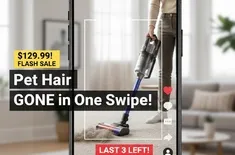
You have less than a second to stop the thumb. Instead of saying "Hello everyone, today I'm going to show you...", start mid-action. Use on-screen text that identifies a specific pain point or a "hack" the viewer didn't know they needed.
2. The Rapid Execution (The Meat)
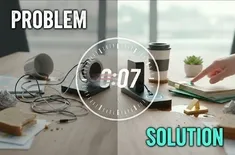
This is where you provide actionable advice. Use quick cuts to remove any "dead air." If you are showing a keyboard shortcut, don't show the hand reaching for the keyboard—show the fingers hitting the keys, then immediately cut to the result on the screen.
3. The Clear Resolution
Every micro-tutorial must end with a "Win." The viewer should see the final result of the tip clearly. This sense of completion creates satisfaction, which is the primary driver for a user to hit the "save" or "share" button.
Technical Elements for High Impact
| Element | Purpose | Execution Strategy |
|---|---|---|
| Quick Cuts | Engagement | Eliminate frames where nothing is happening. Jump-cut between steps. |
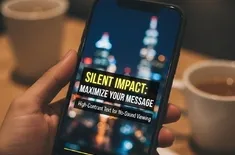
| On-Screen Text | Clarity | Use bold, high-contrast captions to reinforce the spoken word or replace it entirely. |
| Visual Cues | Direction | Use arrows or circles to point out exactly where the viewer should look. |
| Looping Logic | Retention | End the video in a way that leads seamlessly back into the start to boost view counts. |
Why "Bite-Sized" Wins the Algorithm
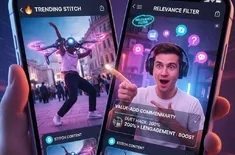
Algorithms on platforms like TikTok, Instagram Reels, and YouTube Shorts prioritize two metrics: Watch Time and Completion Rate. When you deliver a micro-tutorial, your completion rate naturally skyrockets. A user is far more likely to finish a 12-second video than a 60-second one. Furthermore, if the valuable utility is high enough, users will re-watch the video 2 or 3 times to catch all the details. This signals to the algorithm that your content is "highly relevant," triggering a viral push.
High Shareability: The "Bookmark" Effect
The goal of a quick tip isn't just to be seen—it's to be saved. Micro-tutorials often act as "digital bookmarks." A viewer sees a clever life hack or a technical fix and thinks, "I can't do this right now, but I need to save this for later." This action—the Save—is a massive boost for your content's reach and contributes to its high shareability.
Step-by-Step: Delivering Information in < 15 Seconds
- Identify the "Micro-Problem": Don't try to teach "How to Edit Video." Teach "How to Color Grade Skin Tones in 3 Clicks."
- Script for Speed: Every word must earn its place. Use "Tap this" instead of "Now, you're going to want to navigate over to this button and tap it."
- Visual Overlays: Use text to explain the Why while your hands show the How. This dual-channel learning makes the bite-sized lesson easier to digest.
- The "Ah-ha" Moment: Ensure the last 2 seconds of the video clearly display the successful outcome with actionable advice fulfilled.